What it is
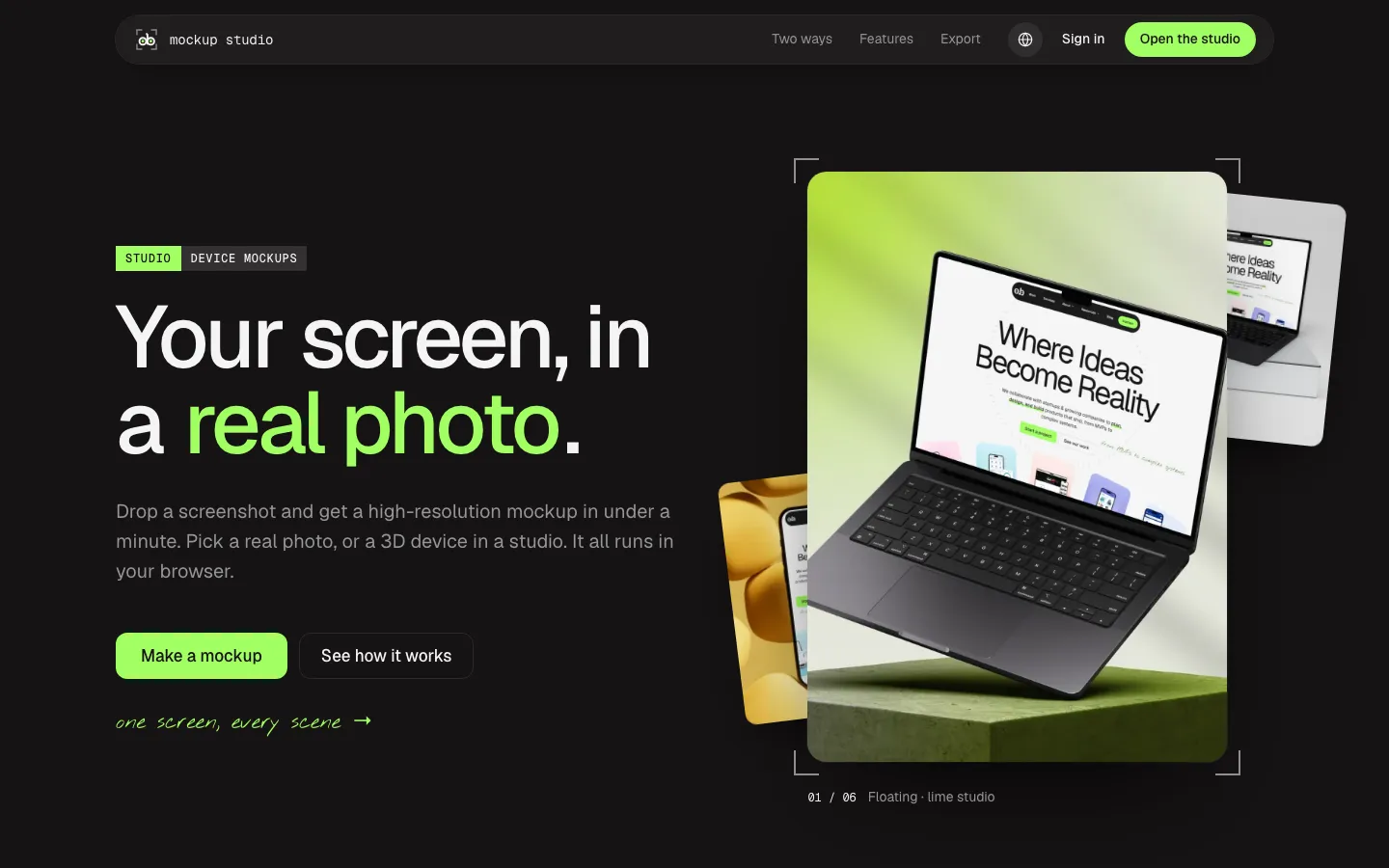
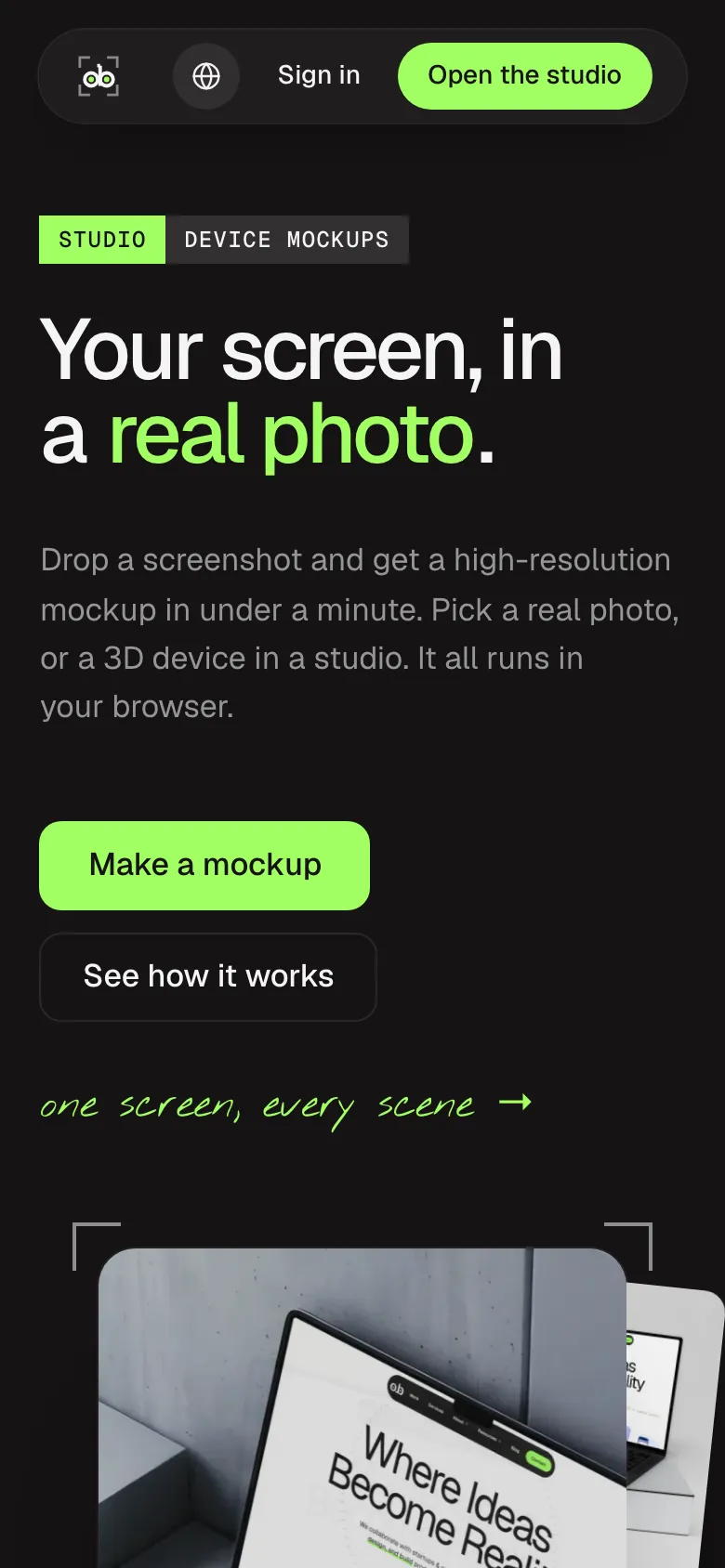
Turns a screenshot into a high-res mockup in the browser, as a real photo or a 3D device.
Who it is for
- Designers preparing shots for a portfolio
- Teams putting screens into a client deck
- Anyone posting a product screen on social
How it works
- 01
Drop a screenshot
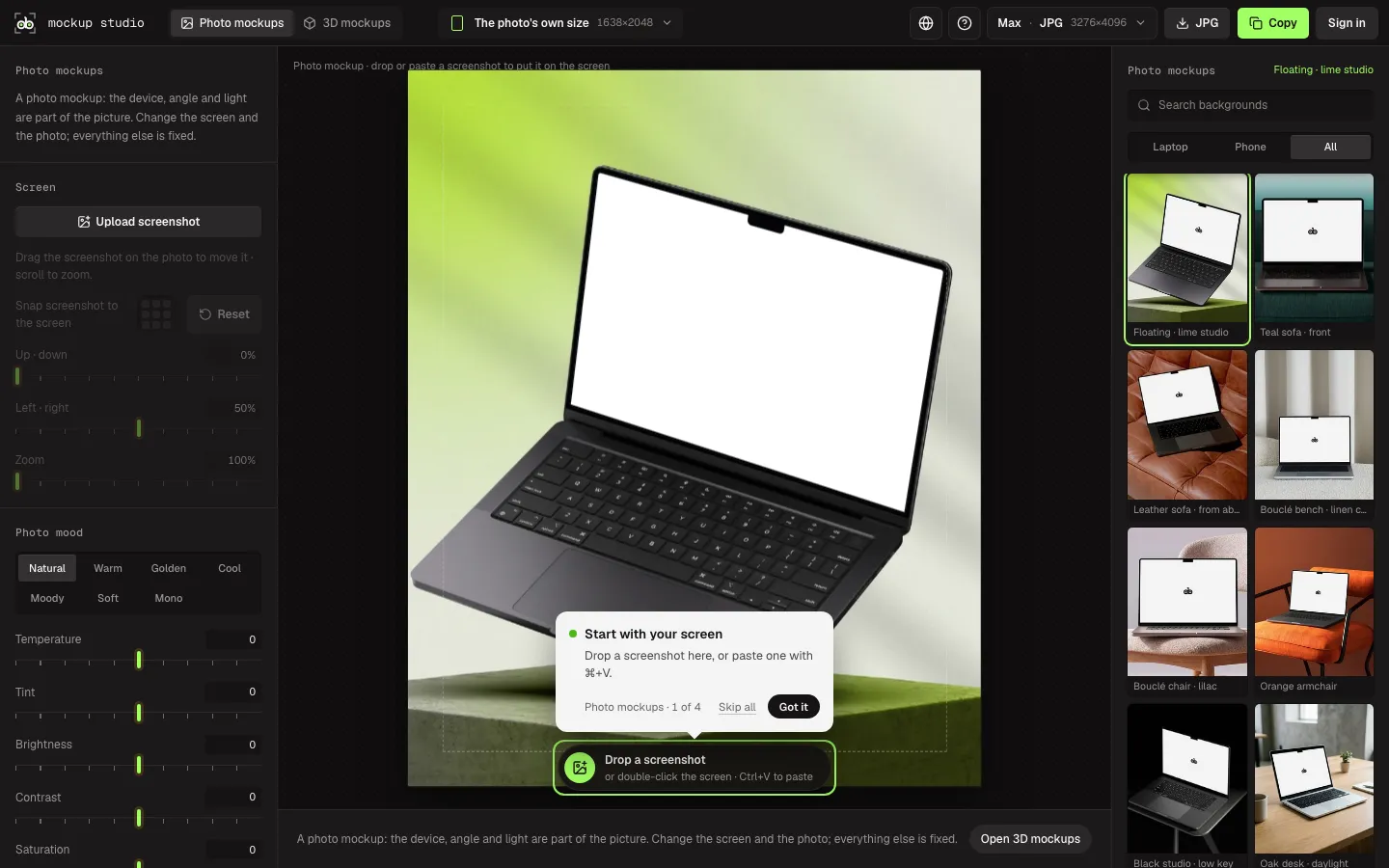
Drop a file, double-click the screen, or paste with Ctrl+V.
- 02
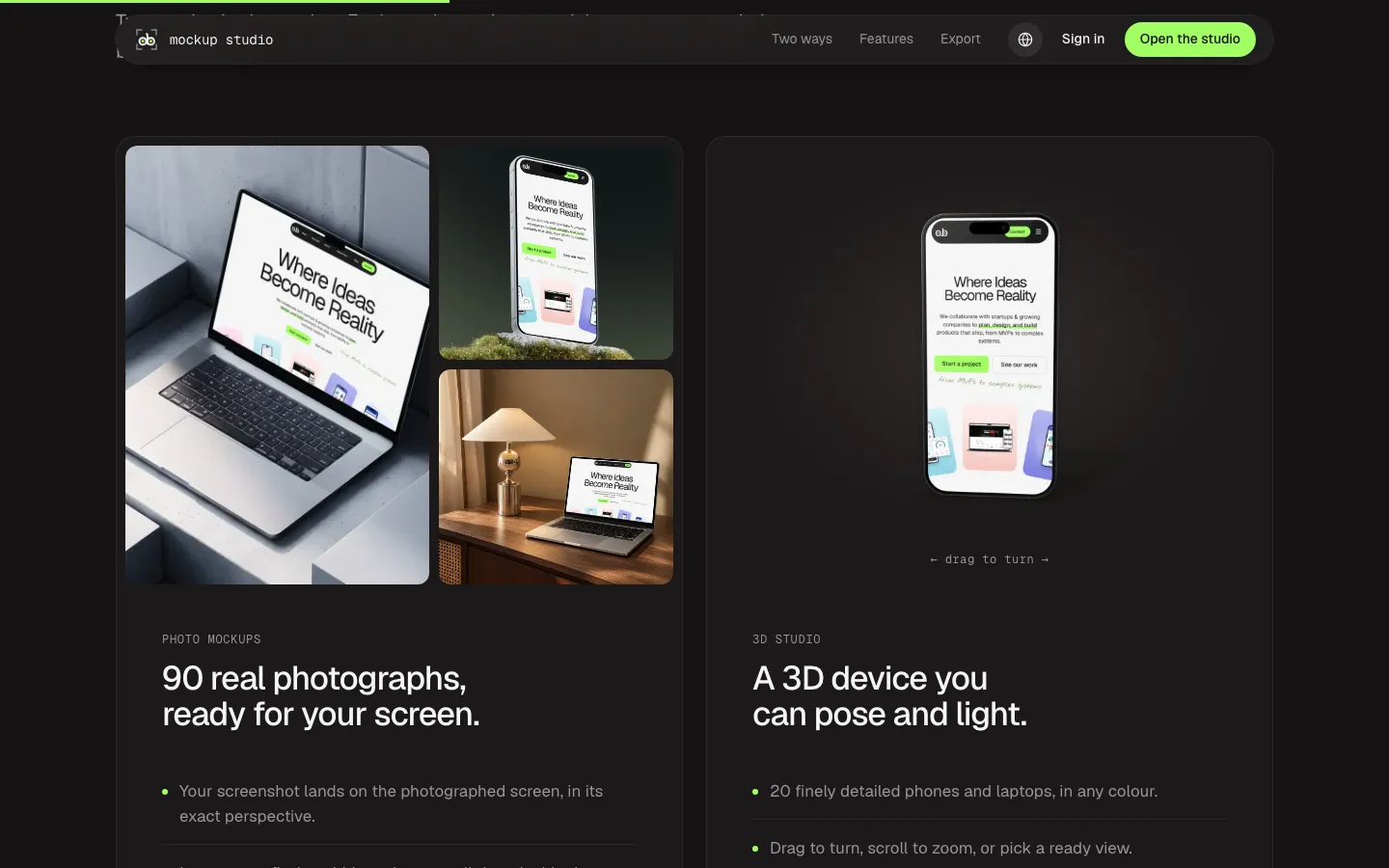
Pick a photo or a 3D device
Start from a real photo, or pose and light a 3D device.
- 03
Export
Download JPG, WebP or PNG, or copy it straight onto a Figma canvas.
Screens
Mockup StudioTry it Mockup Studio (opens in a new tab)